QR code
- Go to Settings > Network and Internet > Operator
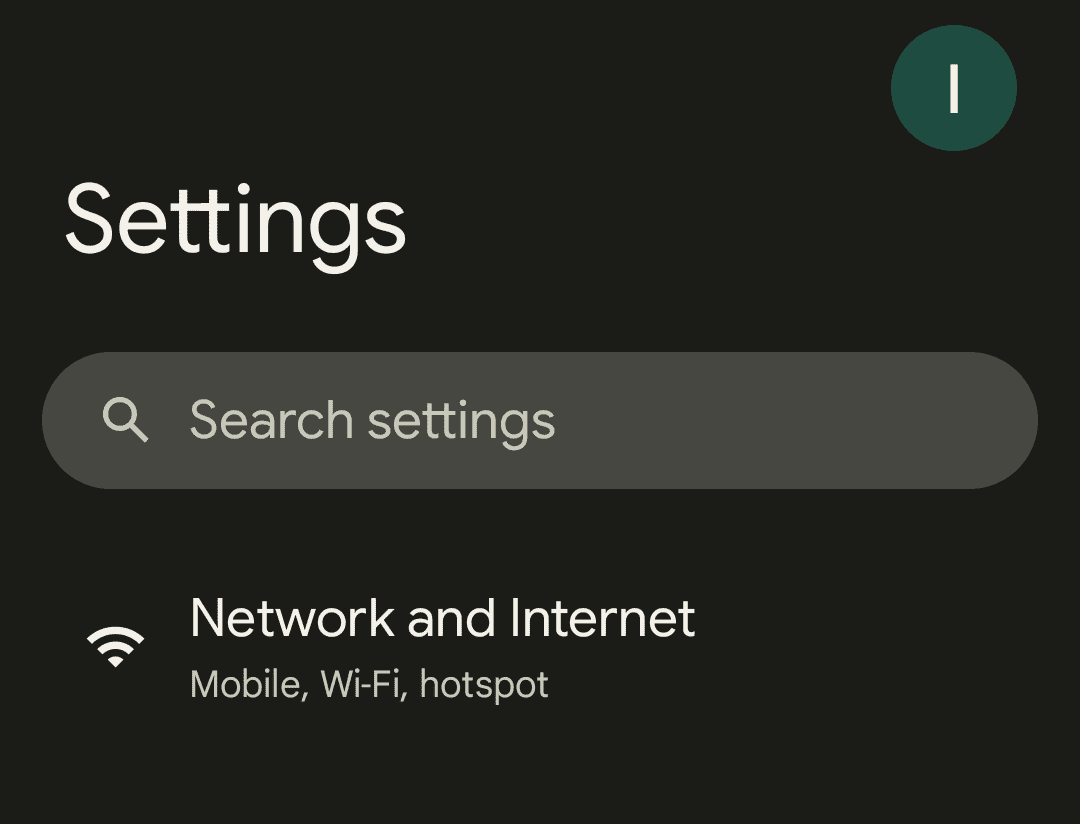
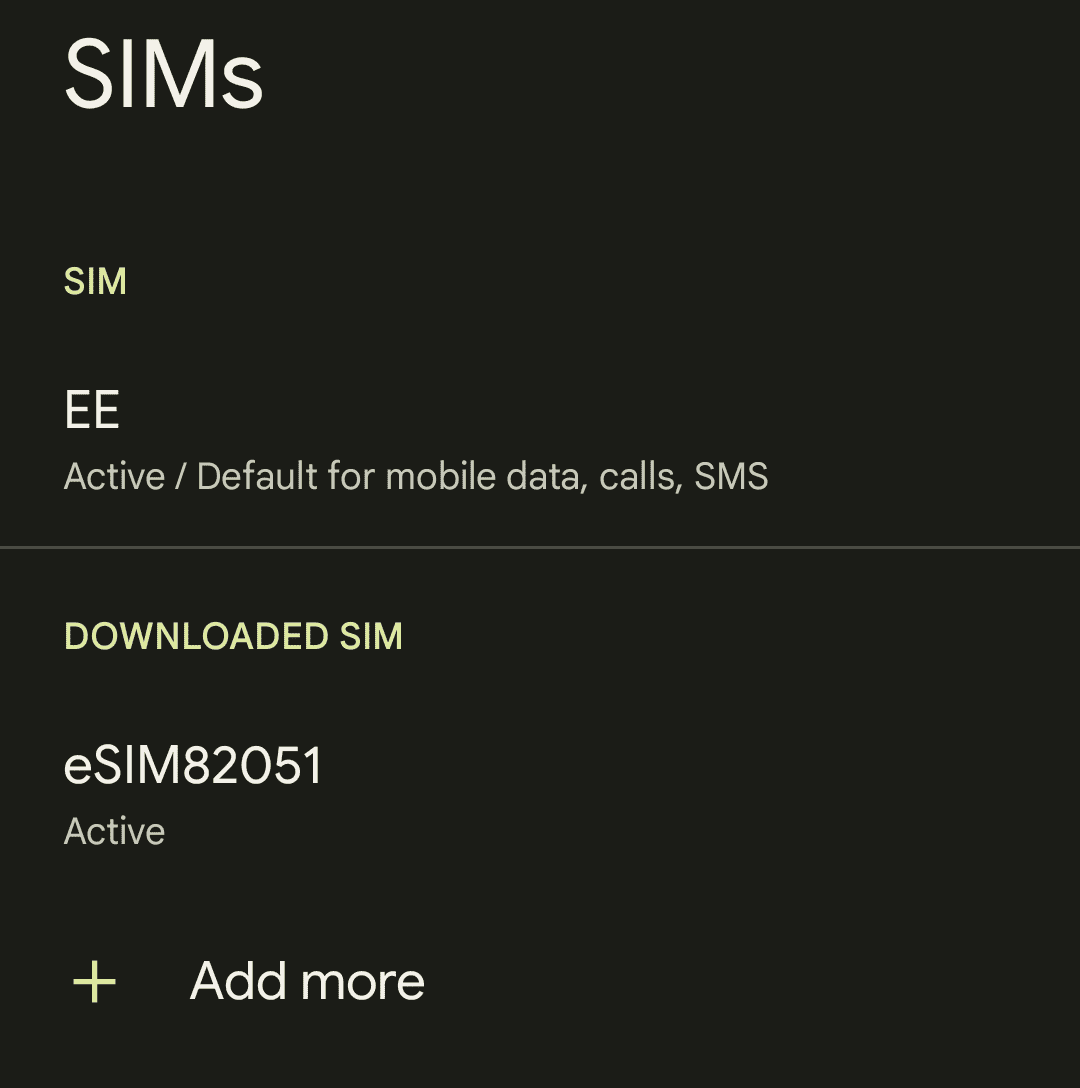
- Tap SIMs

- Select Add operator or Add More
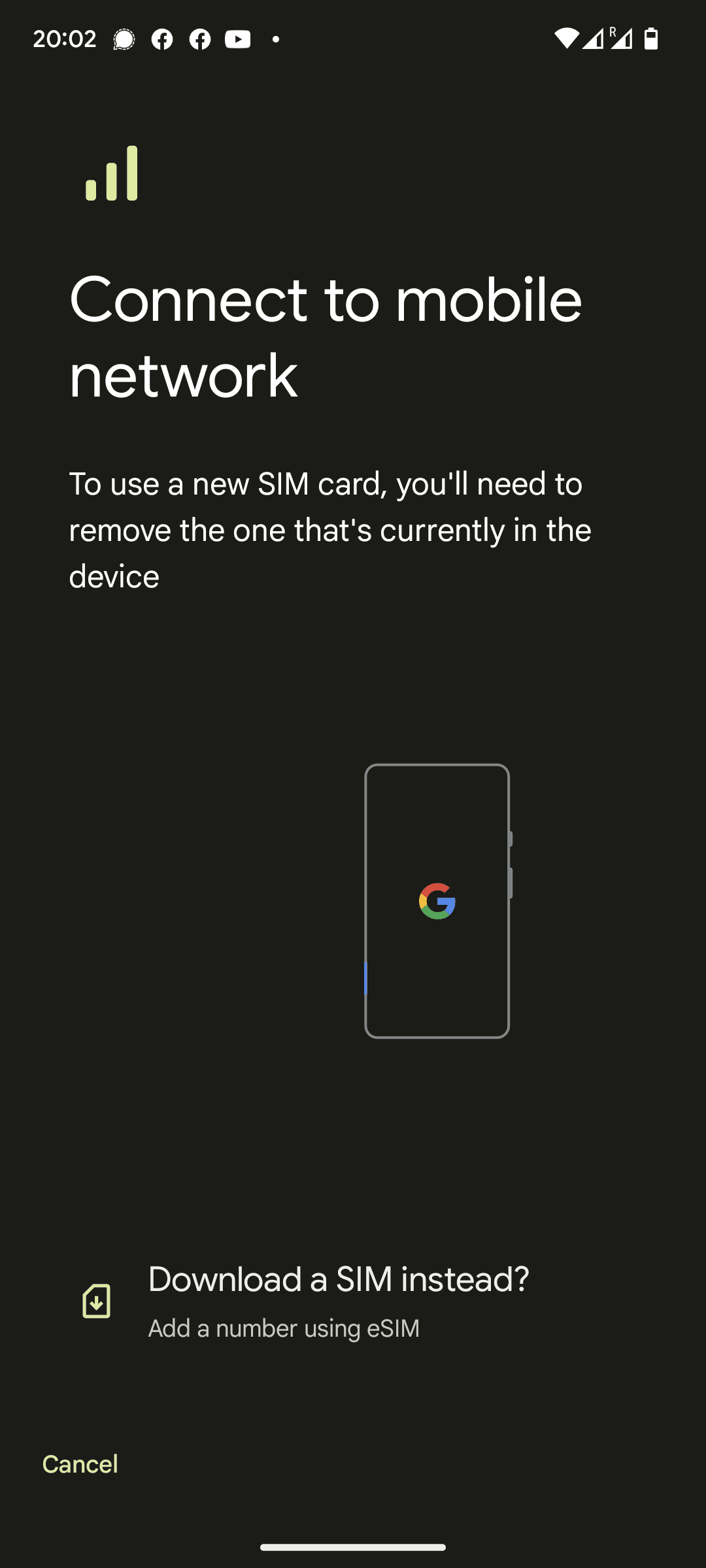
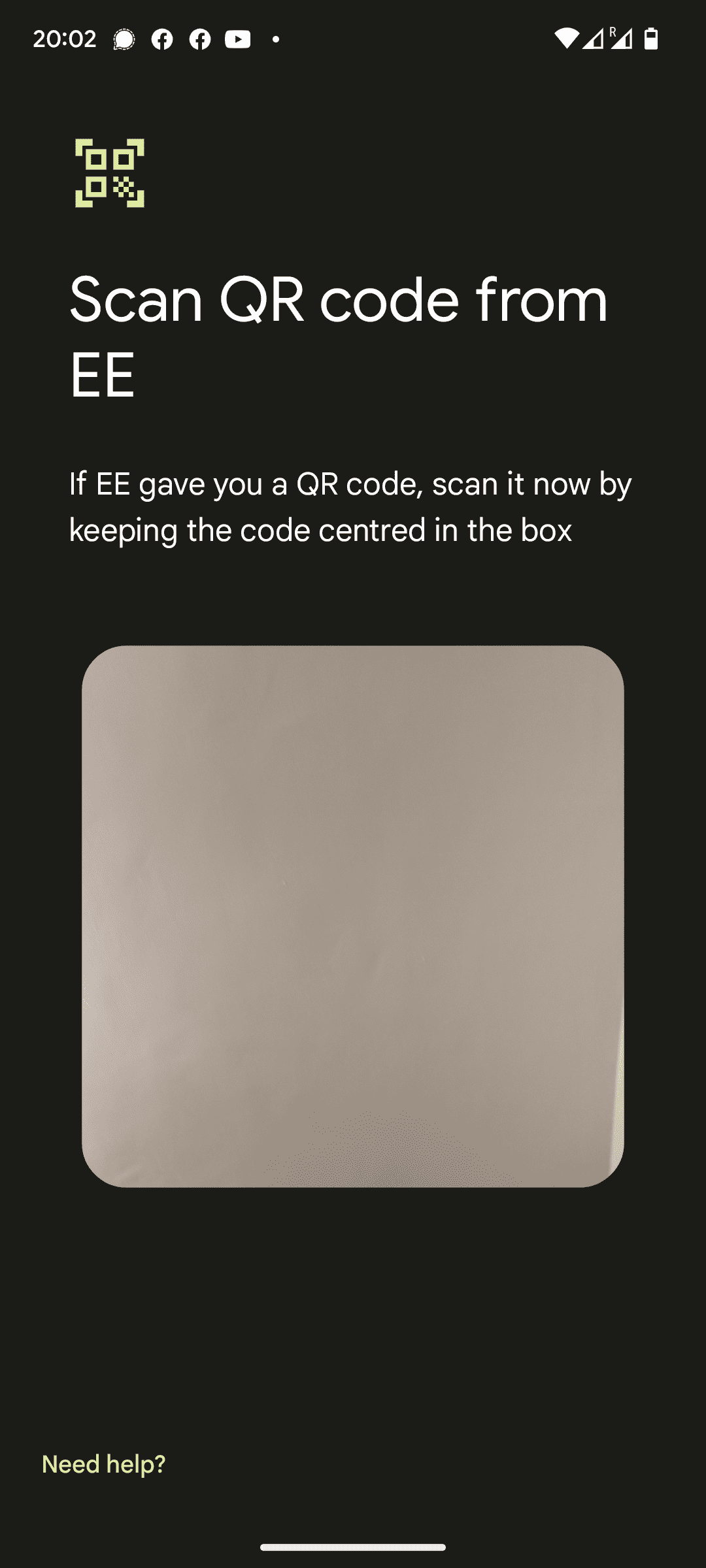
- On the Connect to mobile network tap the "Download a SIM instead"
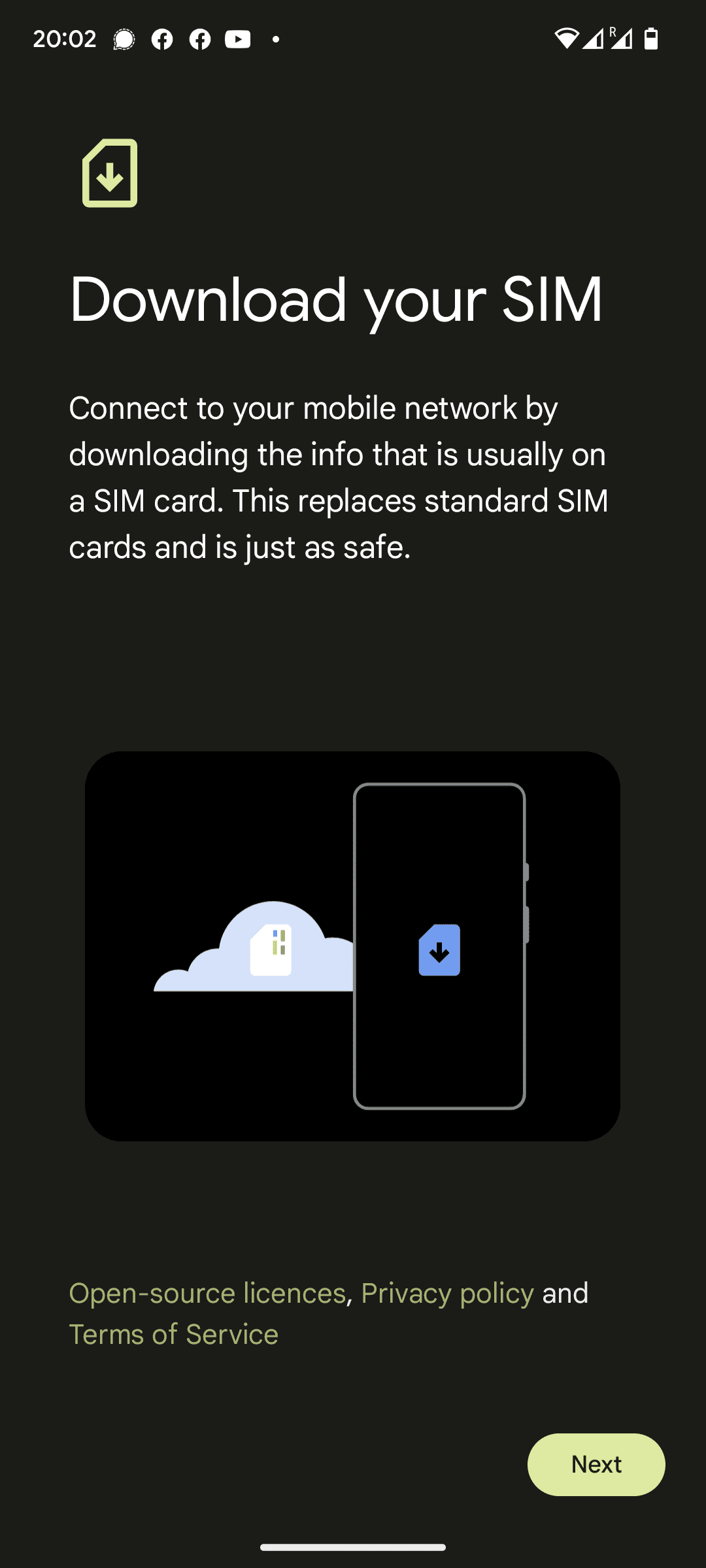
- On the following page click Next
- Use your camera to scan the QR code in the SIMPal app, once recognised your eSIM will automatically begin downloading
Manuel Installation
- Go to Settings > Network and Internet > Operator
- Tap SIMs
- Select Add operator or Add More
- On the Connect to mobile network tap the "Download a SIM instead"
- On the following page click Next
- At the bottom of the page click the "Need Help?"
- Tap "Enter it Manually"

- Copy the Activation URL from the SIMPal app to box provided