QR Code
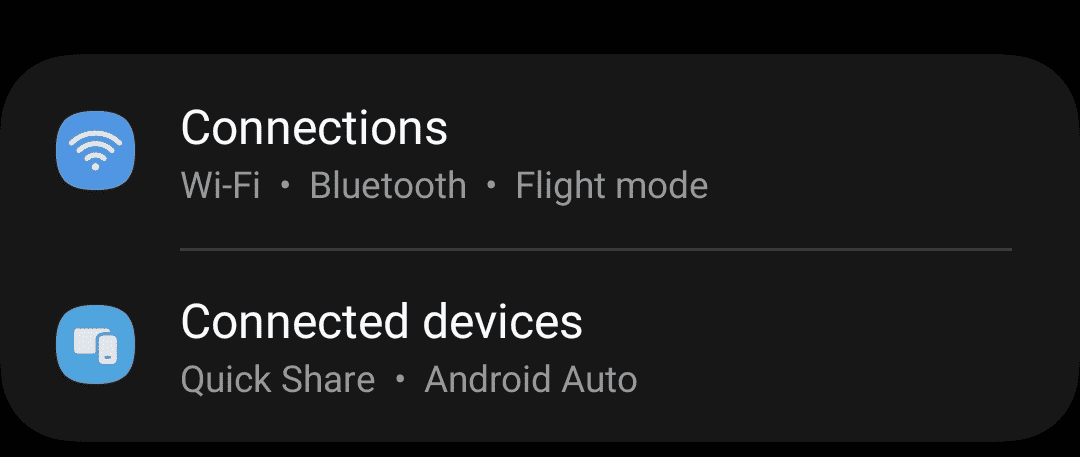
- Go to Settings > Connections > SIM card manager

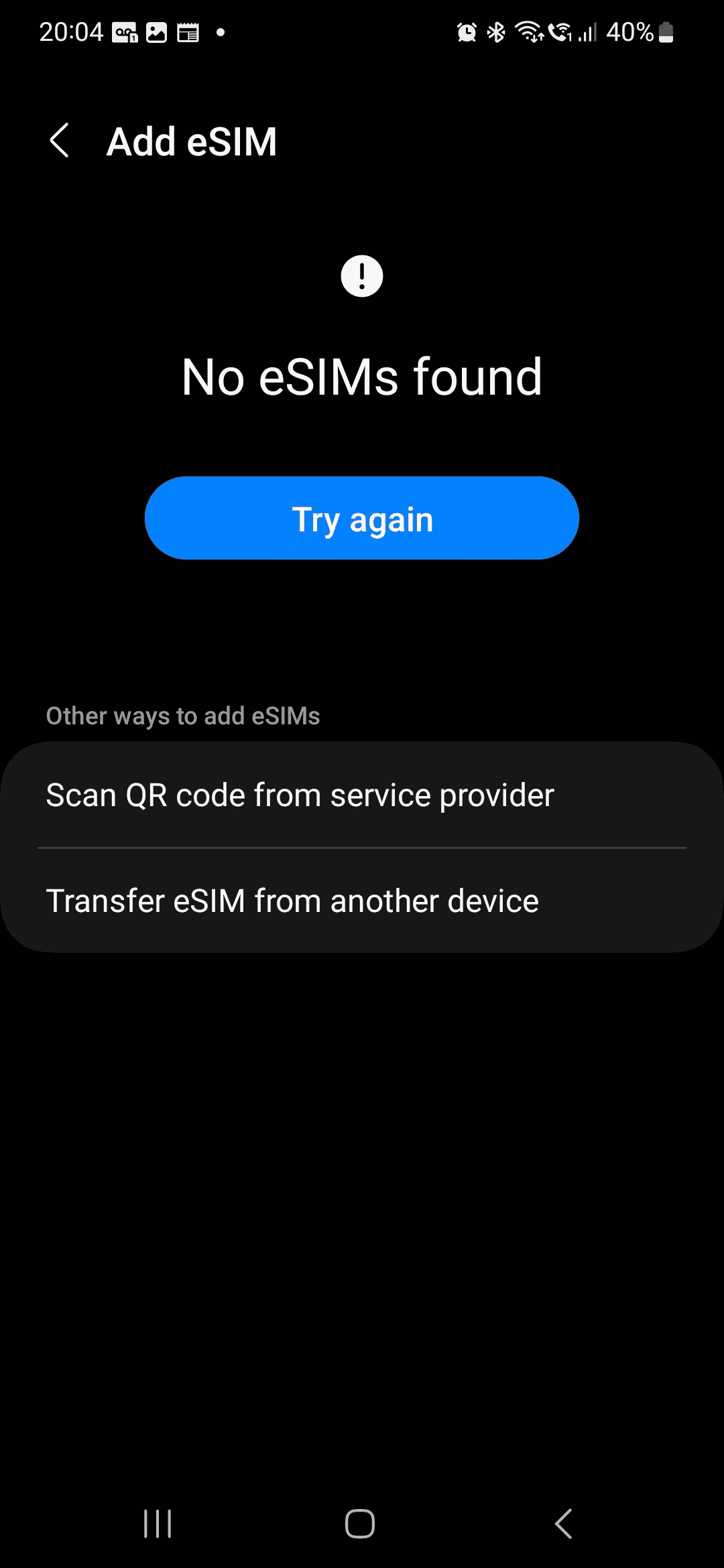
- Tap Add mobile plan

- Tap Add using QR code
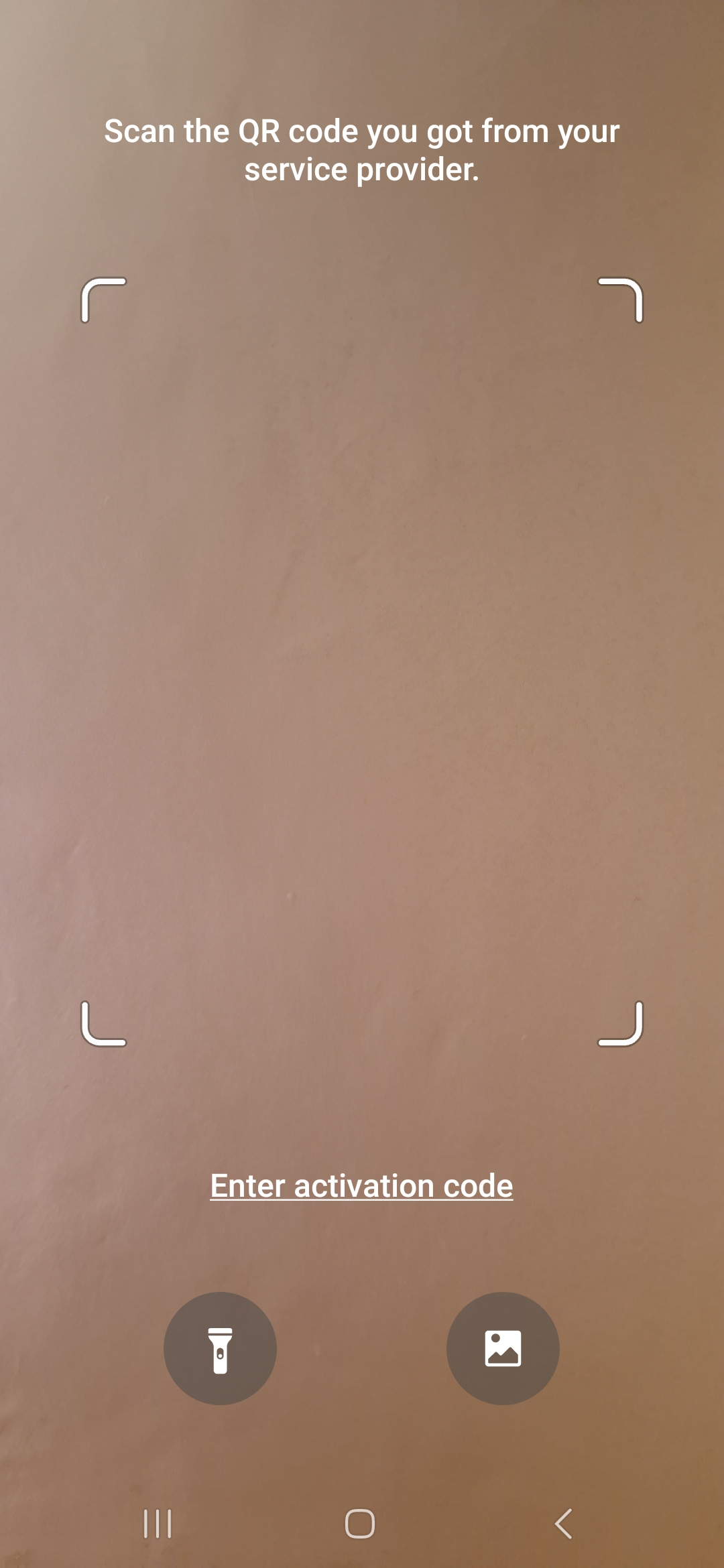
- Scan the QR code by pointing your phone at the QR code so the phone can see the full box.
Manuel Installation
- Go to Settings > Connections > SIM card manager
- Tap Add mobile plan
- Tap Add using activation code
- Copy the SM-DP+ address and activation code from the SIMPal app into the relevant fields.